
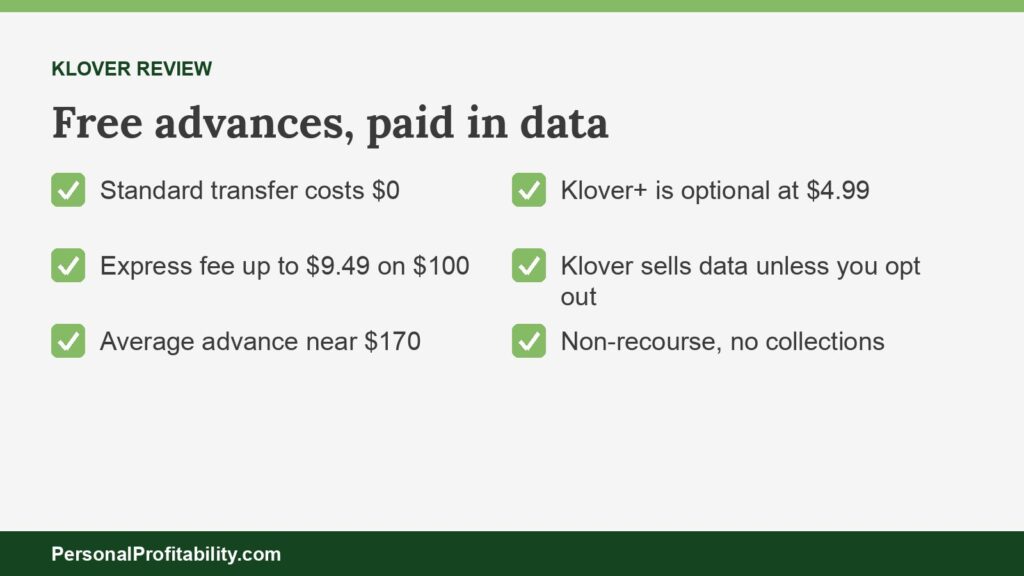
Our Klover review finds Klover free if you wait two to five business days, and costly if you pay to speed it up, since Klover charges up to $9.49 to rush a $100 advance. You also pay with your data. Our earned wage access guide covers the cheaper employer route.
Last checked: October 31, 2026, against each company’s own fee and terms pages.
Personal Profitability may earn a commission from partner links on this page, at no cost to you. Partners don’t decide what we recommend or where it ranks. Fees and terms are each company’s as of 2026-10-31. Confirm them on the company’s site before you apply.
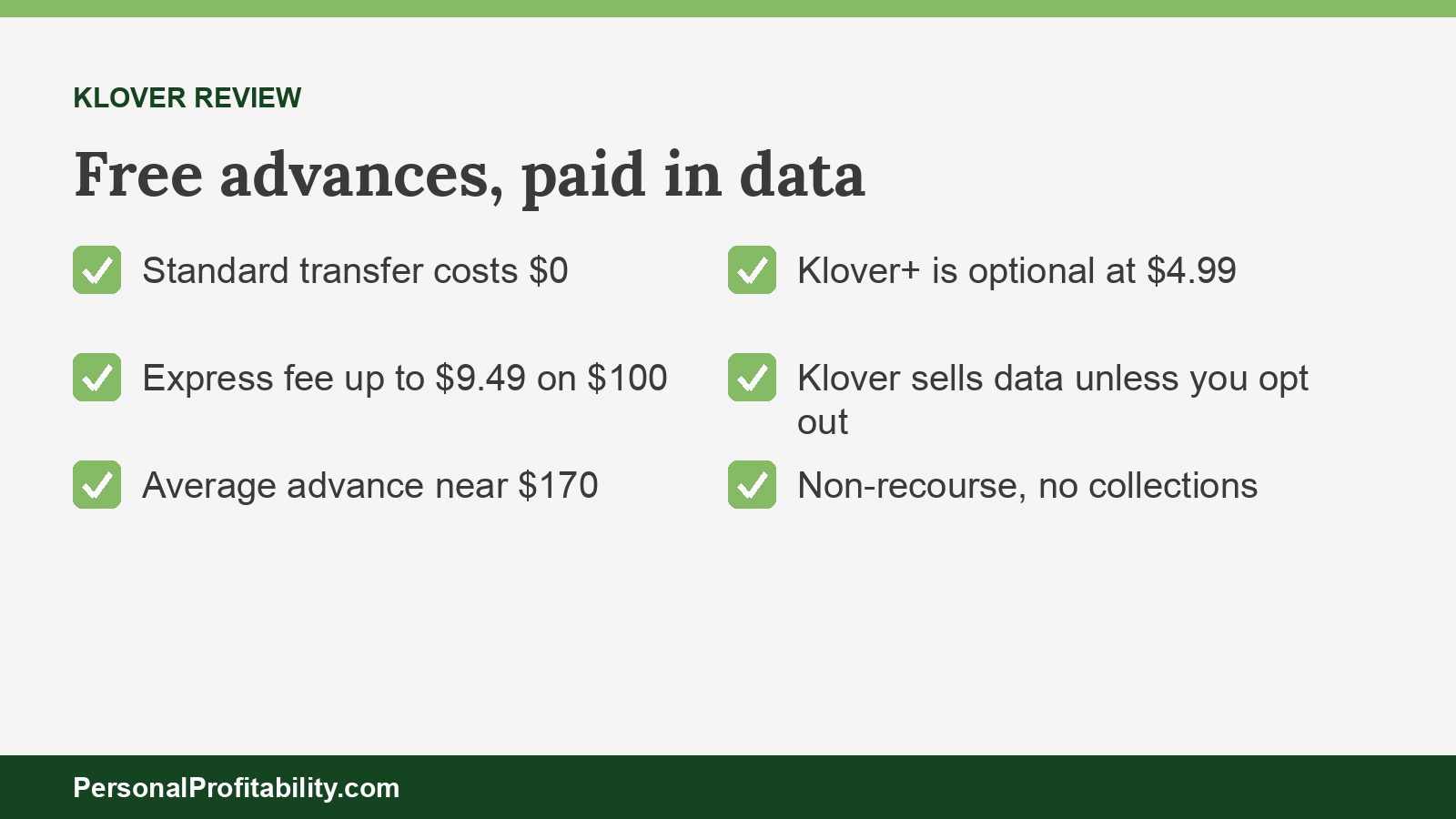
Klover review: key numbers
Klover offers advances of up to $750 with a free standard transfer, charges an express fee of up to $3.99 on $25 and up to $37.49 on $750, according to its pricing page, and sells an optional Klover+ plan for $4.99 a month.
| Item | Klover’s published terms |
|---|---|
| Company | Klover Holdings, Inc. |
| Product | Klover Balance Advance, which Klover markets as a cash advance |
| Advance amounts | Up to $750. Most advances run $25–$750, averaging about $170. Parts of Klover’s homepage still say up to $200 |
| Standard transfer | $0, usually 2–5 business days |
| Express fee | Up to $3.99 on $25, $9.49 on $100, $15.25 on $200, $28.49 on $500, and $37.49 on $750. Klover collects the fee at repayment |
| Klover+ | Optional, $4.99 a month, for Bill Manager, Smart Spending, and Credit Monitoring through Experian |
| Points | Earned through surveys, ads, receipt scans, and referrals. 500 points equal $1 of express fees. Klover’s pricing page says the fees can be offset with points “in your Klover+ account” |
| Requirements | A linked bank account and three consistent direct deposits from your employer |
| Credit check | None, and Klover doesn’t report to the credit bureaus |
| Repayment | Klover debits your bank automatically on your next payday |
| If you can’t repay | Klover calls the advance non-recourse: no collections and no credit reporting, but no new advances until you settle |
| Your data | Klover’s privacy policy says “We sell and share your Personal Information,” with an opt-out |
| App ratings | 4.76 on the App Store (397,359 ratings) and 4.64 on Google Play (174,338) as of October 2026 |
| Legal | We found no regulator action against Klover. Private class actions are pending |
Fees and terms verified 2026-10-31.
Key takeaways
- Klover’s standard transfer costs $0, and Klover+ is optional, so you can use Klover without paying anything.
- Klover’s express fees are steep on small advances: up to $3.99 on $25 is 16% of the money.
- Klover’s privacy policy says Klover sells your personal information unless you opt out of data sales.
- Klover calls its advance non-recourse, with no collections and no credit reporting if you can’t repay.
Spend less, earn more, and grow your wealth
Get my free 2026 Playbook with a checklist for your budget, credit, investing, and side income, plus the free 7-day Bootcamp.
Klover review: what you get
Klover gives you cash advances with no credit check, a points program, and budgeting tools, and in return Klover’s terms ask you to consent to the use of your financial data for advertising and data services.
Klover cash advance
The Klover cash advance, which Klover’s terms call a Balance Advance, is the reason most people download the Klover app. You link your bank account, Klover reads your direct deposits to find your payday, and Klover offers an advance based on your income and account activity. Klover says you need “proof of income through direct deposits” and “recent, consistent pay activity.” If you start a new job, you need at least three consistent direct deposits from your employer before this cash advance app will approve you, according to Klover’s FAQ.
Klover advertises up to $750, but the FAQ says “most cash advances start smaller,” with an average around $170. Klover’s homepage still says “up to $200” in some sections and “up to $750” in others, so treat $750 as a ceiling few members reach. Klover runs no credit check and sets no minimum credit score.
Klover points
Klover points reward you for tasks inside the Klover app. You earn points by taking surveys, watching ads, scanning receipts, and inviting friends, and you can spend them two ways: to raise your advance limit, or to offset express fees at 500 points per $1. Covering a $9.49 express fee on a $100 advance takes 4,745 points. Klover doesn’t publish how many points each survey or ad pays, so you can’t price your time before you start.
Klover+
Klover+ is an optional monthly membership at $4.99, according to Klover’s pricing page, and Klover’s FAQ lists three features: Bill Manager, Smart Spending, and Credit Monitoring with a daily score through Experian. You don’t need Klover+ to get an advance. Several banks and card issuers give away credit monitoring, so check what you already have before you pay $59.88 a year.
Klover review: what Klover costs, and the catch
Klover costs $0 if you take the standard transfer, and the catch is that Klover’s express fees run higher than most rivals’ on small advances, on top of the data you give Klover.
| Advance | Maximum express fee | Fee as a share of the advance |
|---|---|---|
| $25 | $3.99 | 16.0% |
| $50 | $5.99 | 12.0% |
| $75 | $7.75 | 10.3% |
| $100 | $9.49 | 9.5% |
| $150 | $12.49 | 8.3% |
| $200 | $15.25 | 7.6% |
| $300 | $19.99 | 6.7% |
| $500 | $28.49 | 5.7% |
| $750 | $37.49 | 5.0% |
Fees and terms verified 2026-10-31. Klover charges “up to” $9.49 to expedite a $100 advance, according to its pricing page (last updated February 24, 2026), which also lists tiers at $40, $125, $250, $400, and $600. “These expedited fees are collected at the time of repayment,” the page says. Klover publishes separate pricing pages for Indiana and Wisconsin. Klover’s terms (last updated October 19, 2026) say “there is always a no-cost way to receive a Balance Advance,” and they list no tips.
For comparison, EarnIn charges $5.99 for Lightning Speed on a $100 Cash Out, and Chime charges 3% with a $5 cap for instant MyPay, or $3 on $100. Klover’s $9.49 is the highest of the three. Klover’s express pricing drops toward 5% only on the largest advances, which few members get.
The APR math on a Klover advance
An express fee of $9.49 on $100 for one week works out to about 495% APR. To convert a flat fee, divide the fee by the advance, multiply by 365, and divide by the days until payday.
| Advance | Cost | Days to payday | APR equivalent |
|---|---|---|---|
| $100, standard transfer | $0 | Any | 0% |
| $25, express | $3.99 | 14 | 416% |
| $50, express | $5.99 | 7 | 625% |
| $100, express | $9.49 | 7 | 495% |
| $100, express | $9.49 | 14 | 247% |
| $150, express | $12.49 | 14 | 217% |
| $200, express | $15.25 | 14 | 199% |
| $750, express | $37.49 | 14 | 130% |
Repeat use is where Klover gets expensive. Take a $100 express advance every two weeks and you pay $246.74 a year, or $306.62 with Klover+. The CFPB’s 2024 Data Spotlight put the average fee at $3.18 on a $106 advance across employer-partnered providers, a third of Klover’s $100 express fee. Our earned wage access fees table compares Klover with every major provider.
What Klover app reviews and ratings say
For this Klover review, we checked the ratings. Klover users rate the Klover app 4.76 on the App Store across 397,359 ratings and 4.64 on Google Play across 174,338, as of October 2026. Those reviews reflect quick, easy funds and no credit check. Star ratings don’t show what users paid in express fees or which data Klover sold, so weigh the fee table and the privacy policy more heavily than the stars when you compare cash advance apps.
The privacy trade: what Klover does with your data
Klover collects your bank transactions, receipts, and location, and Klover’s privacy policy says Klover sells and shares that personal information with advertising and data partners unless you use the opt-out link.
Klover states the deal on its homepage. Klover says it can offer money tools and advances “by leveraging your most valuable asset,” which Klover names as your data, and Klover says your data is “always anonymized (we’ll never know who you are).” Klover’s legal pages add details missing from the homepage:
- What Klover collects: bank-linked purchase history and transaction data, physical receipt data, loyalty card transaction data, IP address, and ZIP code plus four. Klover’s policy says the bank data it gets through Plaid “covers the prior 24 months and all subsequent transactions” until you unlink the account.
- What Klover does with your data: “We sell and share your Personal Information, subject to your right to opt-out of these sales,” the privacy policy (last updated February 2, 2026) says. Recipients include advertising partners, analytics partners, financial institutions, data and media platforms, and Klover’s affiliate Attain.
- What you agree to: section 2 of Klover’s terms says you consent to “the use of your information to support advertising, marketing, and data services that Klover’s affiliates offer to their own business customers.”
- How to opt out: use the “Do Not Sell or Share My Personal Information” link in Klover’s site footer, email [email protected], or turn on Global Privacy Control in your browser. Klover’s policy notes that opting out can conflict with the points program.
Klover’s homepage promises anonymized data, and its privacy policy says Klover sells personal information. Both statements sit on Klover’s own site. If you’d pay $9.49 to keep your transaction history to yourself, a fee-based app such as EarnIn or Chime MyPay may cost you less overall. Our guide on how earned wage access companies make money puts Klover’s data model next to tips and subscriptions.
How Klover repayment works, per our Klover review
You pay Klover back automatically on your next payday, when Klover debits the advance and any express fee from your linked bank account.
- Timing: Klover’s terms let Klover debit your bank account or debit card any time after the later of the day Klover sees your paycheck land or a date you select.
- Fixed schedule: Klover’s FAQ says you can’t change your repayment date. Klover updates the date a few days after it detects a new pay date.
- Non-recourse: “Klover is a non-recourse product and Klover users have no obligation to repay their Balance Advances,” section 6.4 of the terms says. Klover promises no debt collection, no sale of the debt, and no credit reporting.
- The trade-off: an unpaid balance pauses your ability to request a new advance until you settle.
- Overdraft risk: Klover says it isn’t responsible for overdraft or NSF fees your bank charges, including overdrafts from Klover-initiated debits.
- Revoking payment: Klover’s FAQ says you can revoke your payment authorization any time.
Klover’s bank-debit repayment differs from employer EWA, where your employer repays the provider through payroll. The CFPB’s December 23, 2025 advisory opinion says “covered EWA” isn’t credit, but covered EWA repays through payroll. Klover’s product falls outside that definition. Our guide to earned wage access vs. cash advance explains the line.
Is Klover legit? Lawsuits and state rules
Yes, Klover is a legitimate company, Klover Holdings, Inc., and we found no FTC, CFPB, or state attorney general action against Klover as of October 31, 2026, though private plaintiffs have filed proposed class actions.
Private plaintiffs have sued Klover in Pennsylvania and Illinois, alleging Klover’s fees make its advances high-cost loans under state and federal law. ClassAction.org reported a Pittsburgh-area suit filed in May 2024 that alleges APRs “in excess of 300 percent,” and the Center for Responsible Lending’s litigation tracker lists Moss v. Klover in federal court in Illinois. These are allegations in private suits, and we found no settlement. Klover’s terms require individual arbitration for most disputes and let you opt out within 30 days of signing up by emailing [email protected].
State law already shapes Klover’s product. Klover’s terms say users in Connecticut and Maryland can use Klover but can’t pay express fees, so they wait for the free transfer or use points. Indiana and Wisconsin get separate pricing pages, and Utah users see required disclosures before each advance. Our tracker of earned wage access laws covers each state.
Klover review: pros and cons
Klover’s biggest pros are a free transfer, no required subscription, and non-recourse terms, and its biggest cons are high express fees on small advances and a business model built on selling your data.
Pros
- A $0 standard transfer, and Klover’s terms promise a no-cost way to every advance.
- No credit check, no interest, no tips, and no required subscription.
- Non-recourse terms: no collections and no credit reporting if you can’t repay.
- Works without your employer.
- Points can offset express fees or raise your limit.
Cons
- Klover charges up to $9.49 to rush $100. EarnIn charges $5.99 on $100, and Chime charges $3.
- Klover’s privacy policy says Klover sells your personal information unless you file an opt-out.
- The free transfer takes two to five business days, slower than most rivals.
- The average advance is about $170, and few members reach $750.
- You need three consistent direct deposits, which rules out new and irregular earners.
- You can’t change your repayment date.
Who should use Klover, and who should skip the express fee
Klover fits a worker with steady direct deposit who can wait several days for a free transfer and accepts the data trade, and it’s a poor fit for anyone who’d pay for speed every pay period.
Klover is a good fit if you
- Have no employer earned wage access program.
- Receive your pay by direct deposit on a steady schedule.
- Can plan a few days ahead and take the free transfer.
- Accept Klover’s data sales, or will file the opt-out.
- Want a larger advance, where the express fee drops toward 5%.
Skip Klover if you
- Have employer EWA through DailyPay, Branch, or another provider, which repays through payroll. Our DailyPay review shows how to pay $0.
- Need money today. EarnIn’s free standard transfer usually takes one to two business days, and up to three, and Chime MyPay’s free advance arrives within 24 hours.
- Need $100 or less fast. Klover’s express fee on small amounts runs above most rivals’.
- Started a new job and don’t have three direct deposits yet.
- Don’t want your transaction history sold to advertisers.
- Keep borrowing every pay period. That’s a budget gap, and our guide to budgeting with irregular income will help more.
How Klover compares
Klover matches EarnIn and Chime MyPay with a free path, and Klover loses to both cash advance apps on express pricing and transfer speed if you borrow small amounts.
| App | Needs employer? | Free path | Cost on a $100 advance | Monthly fee | Repayment source |
|---|---|---|---|---|---|
| Klover | No | Standard, 2–5 business days | $0 standard, up to $9.49 express | Optional, $4.99 | Your bank account |
| EarnIn Cash Out | No | Standard, usually 1–2 business days, up to 3 | $0 standard, $5.99 Lightning Speed | None | Your bank account |
| Chime MyPay | No, but needs Chime direct deposit | Within 24 hours | $0 scheduled, $3 instant | None | Your Chime account |
| Dave ExtraCash | No | None for the advance | $5.00 | Up to $5 | Your Dave or linked bank account |
| Brigit Instant Cash | No | Only by emailing Brigit | $0 standard, up to $5.99 Express on Plus | $8.99 Plus, $15.99 Premium | Your bank account |
| MoneyLion Instacash | No | To MoneyLion Spend, 1–2 business days | $0 standard, $7.50 Turbo to Spend | Optional | Your bank account |
| DailyPay | Yes | Next-business-day ACH or the DailyPay Card | $0 free path, paid instant transfers | None | Your paycheck |
Fees and terms verified 2026-10-31.
For the closest matchup, read EarnIn vs. Klover. Our EarnIn review, Dave review, and Brigit review cover the other no-employer apps. You can compare eight Klover alternatives in our guide to apps like Klover, and if your job has no pay-access program, start with earned wage access without an employer.
The Personal Profitability test
Klover passes our test on its free path and its non-recourse terms, and fails on express pricing and privacy, which earns it a conditional yes for patient borrowers.
- Can you pay $0? Yes. The standard transfer is free, and Klover+ is optional.
- Is the paid option fair? No. $9.49 on $100 for a week is about 495% APR.
- Does repayment protect you? Partly. Klover won’t send you to collections, but Klover debits your bank, so a late paycheck can cost you an overdraft fee.
- Is the data trade clear? Not on the homepage. The privacy policy says Klover sells personal information, while the homepage promises anonymized data.
- Does it beat a payday loan? Yes. Our guide to earned wage access vs. payday loans shows the gap.
- Does it beat an emergency fund? No. A starter emergency fund costs nothing to tap and asks for none of your data.
How to sign up for Klover
You sign up for Klover in the app by linking the bank account that gets your direct deposit, confirming your pay schedule, and choosing the free standard transfer on your first advance.
- Download the app from Klover’s site and create an account.
- Link the checking account where your paycheck lands.
- Read Klover’s privacy policy, and use the “Do Not Sell or Share” opt-out if you want to limit data sales.
- Check your offer, and request only what the bill needs.
- Pick the standard transfer, which costs $0 and arrives in two to five business days.
- Skip Klover+ unless you’ll use Bill Manager or the Experian score.
- Keep the advance amount in your account for payday.
Klover review: frequently asked questions
Is Klover worth the data? Our Klover review verdict
Our Klover review lands here: Klover is a fair choice for one gap between paychecks if you take the free transfer and opt out of data sales, and a costly habit if you pay for express delivery. If your employer offers EWA, use that first. If you need cash faster for free, EarnIn and Chime MyPay deliver sooner. For the full field, see our best earned wage access apps and best on-demand pay apps roundups.

Free guide
Spend less, earn more, and grow your wealth
Get my free 2026 Playbook with a checklist for your budget, credit, investing, and side income, plus the free 7-day Bootcamp.
- Track your money with the tools that still work in 2026.
- The order to invest in, with the 2026 401(k) and IRA limits.
- Three ways to earn your first $100 on the side this month.
Bonus: The 7-day Personal Profitability Bootcamp, one short lesson in your inbox each day