
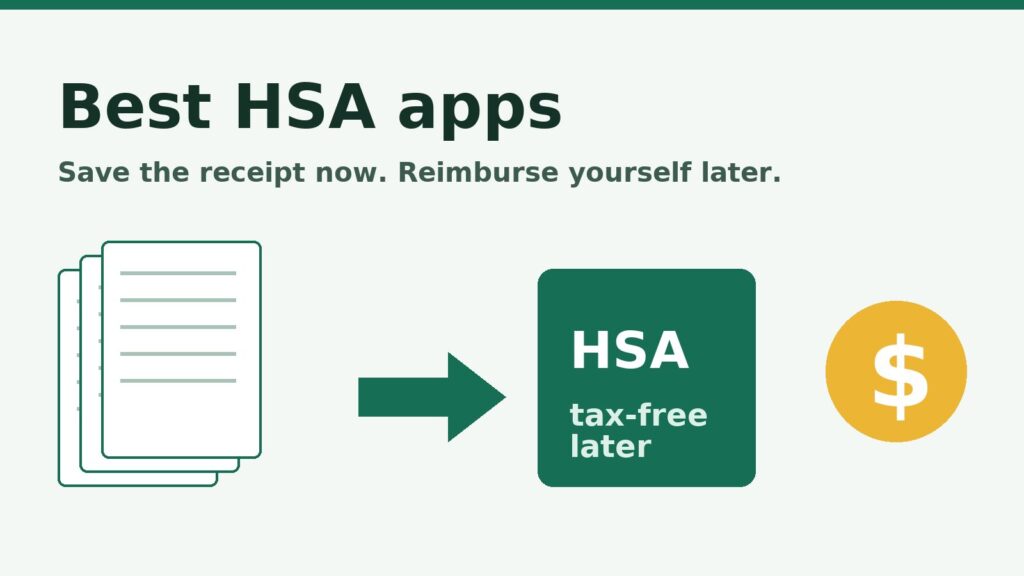
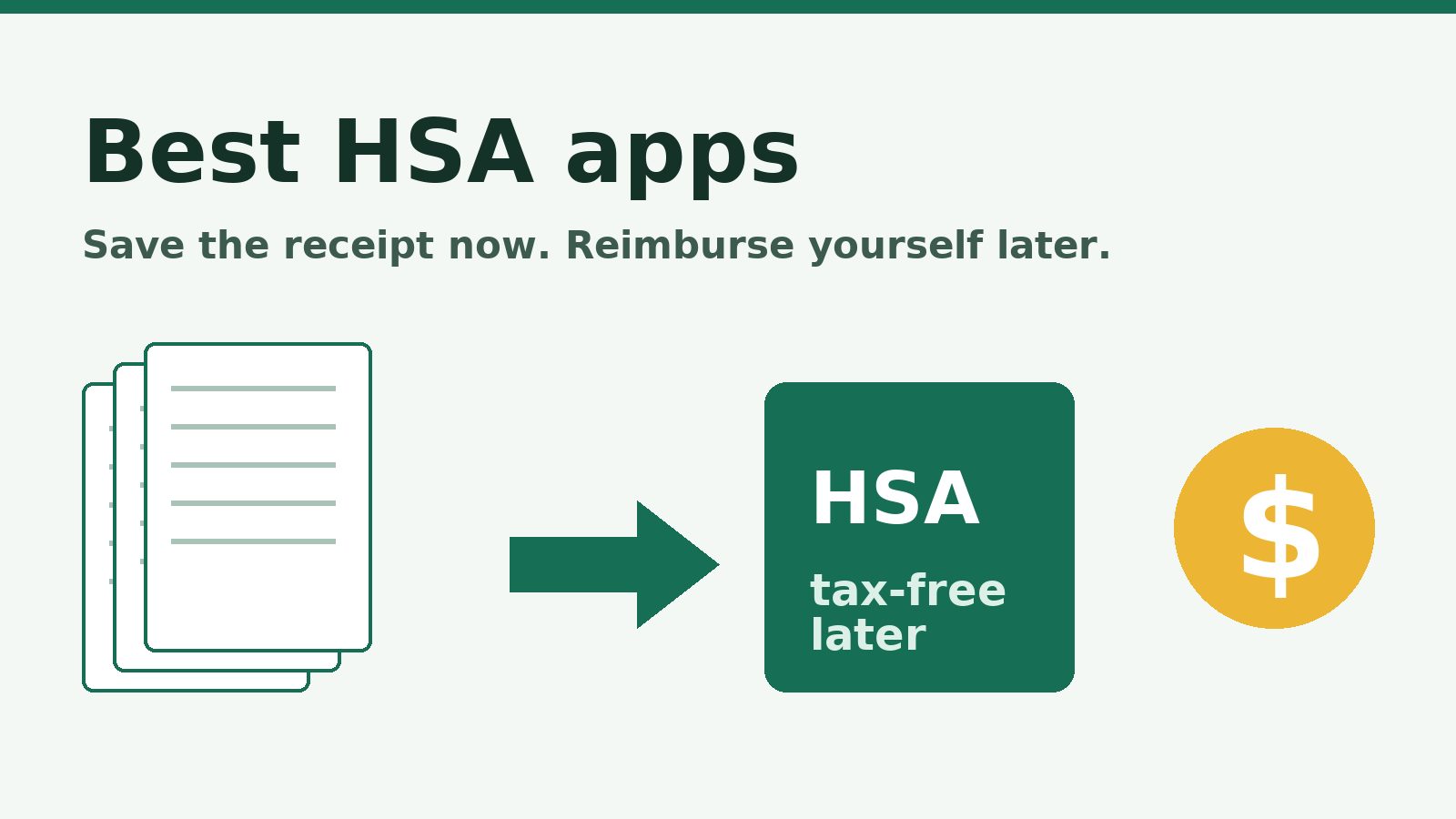
The best HSA apps for tracking receipts and reimbursements start with HSA Tracker, because its one job is to keep proof of every medical bill so you can pay yourself back tax-free whenever you choose. This list isn’t for anyone who needs to find an HSA-eligible health plan first. It starts after you have one. You’ll find the strategy behind it in our guide to using an HSA as a retirement account.
Eric Rosenberg, who runs Personal Profitability, owns HSA Tracker (hsatracker.org) and Freelancer Dashboard (freelancerdashboard.com), so this list puts a product he owns at number one. We held that entry to what its own pages say, the same standard we used for the other nine.
Personal Profitability may earn a commission from partner links on this page, at no cost to you. Partners don’t decide what we recommend or where it ranks. Rates and terms are each issuer’s as of 2026-10-13. Confirm them on the issuer’s site before you apply.
Our picks at a glance
| App | Best for | Cost to know | The catch |
|---|---|---|---|
| HSA Tracker | Saving receipts for a tax-free payout years from now | Free, or $7, $17 or $27 a year | You enter expenses yourself and can’t connect it to your HSA provider |
| Fidelity HSA | Investing the balance you’re letting grow | $0 account fees, $0 account minimums | No receipt vault on its HSA page |
| Lively | A low-cost HSA you open on your own | $0 monthly maintenance fee | Schwab investing costs $24 a year or needs a $3,000 cash balance |
| HealthEquity Mobile | Employer HSAs that run through HealthEquity | Fees vary by plan | Fee schedule depends on your employer’s plan |
| Optum Bank | Employer HSAs that run through Optum Bank | Fees set in your HSA account agreement | You need an Optum Bank account to use it |
| HSA Bank | Planning how much to contribute this year | Free app, fees vary by plan | The listing shows no receipt storage |
| HSA Monster | Apple users who want on-device receipt scanning | Free for 10 expenses, Premium from $8.99 a month | Apple devices only, and 10 free entries run out fast |
| HSA Vault | iPhone users who want a free scanner with no sign-up | Free, Pro $9.99 a year | Needs iOS 26 or later, and it’s new |
| HSA Buddy | People who already live in Google Sheets | Free | iPhone only, per its App Store listing |
| ExpenseTracker by HSA Store | Hunting down purchases you forgot to claim | Free | Built by an HSA-product retailer |
Rates and terms verified 2026-10-13. Each fact comes from the vendor’s own pricing, features or App Store page that day.
Spend less, earn more and grow your wealth
Get my free 2026 Playbook with a checklist for your budget, credit, investing and side income, plus the free 7-day Bootcamp.
What the best HSA apps do for you
You use the best HSA apps to keep proof that a bill was a qualified medical expense, because the IRS can ask for it. IRS Publication 969 says you can take a tax-free distribution to reimburse yourself for qualified expenses you incur after you establish the HSA, and it sets no deadline for doing so. You need records showing the distribution paid only qualified expenses, that no other plan reimbursed them, and that you didn’t claim them as an itemized deduction. You keep those records with your tax records and don’t send them in with your return.
For 2026 you can put in up to $4,400 with self-only coverage or $8,750 with family coverage, according to IRS Rev. Proc. 2025-19. Those numbers matter because the more you leave invested, the more a saved receipt is worth later. If you can afford it, pay medical bills from cash, keep the receipt and let the HSA invest. If you haven’t opened one yet, our post on how to set up an HSA covers the basics.
HSA Tracker: best for saving receipts now and reimbursing yourself later
HSA Tracker is our first pick if your goal is the shoebox strategy. You pay a medical bill out of pocket today, save the receipt, leave the HSA money invested, and reimburse yourself tax-free whenever you want. The IRS sets no deadline for that reimbursement. It only asks that the expense happened after you opened the HSA and that you can prove it.
Pricing is simple. The free Starter plan covers one person, 30 expenses and 25 MB of receipts. The paid plans run $7 a year (Solo, 500 expenses), $17 a year (Family, 6 people and 2,000 expenses) and $27 a year (Unlimited people and expenses). Every paid plan includes unlimited receipt storage and the annual tax report. You can forward an emailed receipt to your dedicated address, and you’ll find it in your account with the merchant, amount and date already filled in. You can check the running Reimbursement Vault total to see what you can still pull out tax-free.
You get a web app, a native iPhone app (iOS 16 or later) and an Android app on one account. You can attach photos and PDFs to any expense, but you fill in the details yourself. Only emailed receipts arrive pre-filled.
This one suits anyone who pays medical bills from a checking account and lets the HSA invest. The catch is that you can’t connect it to your HSA provider or bank, so you type in each expense or forward the email.
Fidelity HSA: best for investing your HSA with no account fees
The Fidelity HSA is the best home for the money itself. Fidelity says its HSAs opened through Fidelity.com for individuals carry zero account fees and zero account minimums, with $0 commissions on U.S. stock and ETF trades. Fund expense ratios still apply if you buy mutual funds, and some funds have their own minimums.
That fits an HSA you plan to leave alone for decades. Put the money in a broad index fund or a target-date fund, skip the stock picking, and let it compound. If you’d rather not pick at all, Fidelity also lists a Fidelity Go HSA with automated investing and $10 to start investing.
You manage the account in the Fidelity Investments app (iOS 17 or later). Fidelity’s HSA page tells you to keep your own receipts, but the page doesn’t describe a receipt vault. Pair it with a tracker from this list.
Pick it if you open an HSA on your own, not through an employer plan. Fidelity’s fine print says a Fidelity HSA offered through an employer can carry a fee of up to $48 a year, which Fidelity may cut or waive depending on your balance.
Lively: best for a $0 monthly fee and optional investing
Lively lists $0 for monthly maintenance, account opening, account closing, transfers, up to three debit cards, reimbursements and minimum balance fees. That’s a clean fee page, and it’s the reason Lively makes the list.
Investing is optional and costs more. Lively’s page lists the Schwab Health Savings option at “$24 annual fee or $3,000 minimum cash balance” and the Guided Portfolio at 0.50% a year. Once you have more than $4,800 invested, you’d pay more than $24 a year at 0.50%, so the Schwab route with index funds wins for a balance you plan to grow.
The Lively Benefits app (iOS 16 or later) is where you verify claims, check your balance and transactions, and look up qualified expenses. Lively’s own help pages cover receipt upload, but its pricing page doesn’t promise a long-term receipt vault, so don’t count on one.
A freelancer or small-business owner who opens an HSA without an employer and wants no monthly fee on the cash side fits here.
HealthEquity Mobile: best for snapping a photo of a claim document
If your employer picked HealthEquity, the HealthEquity Mobile app is already your HSA app. Its App Store listing says you can take a photo, upload from your gallery, or add images and PDFs from the Files app to start claims and payments. You can also reimburse yourself, manage debit cards and trade investments from the same app (iOS 16.6 or later).
HealthEquity’s fees and the cash balance you need before you can invest vary by employer plan, so this list gives no number for them. Check your plan’s fee schedule in the member portal before you decide how much to keep in cash.
Employees whose HSA already sits at HealthEquity get the most from it. You attach those documents to claims, so you’ll find them handy for proving a claim and less handy for tracking what you’ve deferred over 20 years.
Optum Bank: best for storing receipts inside your HSA app
The Optum Bank app says you can store your health care receipts in one place, submit claims for reimbursement and capture receipts with a few taps (iOS 16 or later). That puts receipt storage next to the account that pays you back.
Optum Bank says fees may reduce earnings and sends you to your HSA account agreement for the details. Read the agreement for your own account through optumbank.com before you count on any number you read elsewhere.
Optum’s listing says you need an Optum Bank health account to use the app, so you can’t download it on its own. It makes sense if your employer already chose Optum.
HSA Bank: best for planning contributions and your balance at retirement
The HSA Bank app (iOS 15 or later) includes a Contribution Planner that estimates what you can pay from your HSA this year and predicts your HSA balance at retirement. You can also request reimbursements, file claims, search eligible expenses and manage investments, with two-factor authentication and Face ID or Touch ID.
The 2026 contribution limits are $4,400 for self-only coverage and $8,750 for family coverage, per IRS Rev. Proc. 2025-19. If you’re 55 or older, Publication 969 adds a $1,000 catch-up. You’ll get the most from a planner when you’re close to those caps.
That makes it a fit for employees whose HSA sits at HSA Bank. The listing doesn’t mention receipt storage, so you’ll still want a separate place for the paperwork.
HSA Monster: best for iPhone and Mac users who want no logins
HSA Monster is where you snap a photo of a receipt to fill in the provider, amount and date. Its App Store listing says processing happens on your device unless you opt into Apple’s Private Cloud Compute, you don’t need a login, and your receipts sync through iCloud across iPhone, iPad and Mac. You can share with a family member through iCloud and export annual reports and receipt archives.
The free tier covers HSA balance tracking and up to 10 expense entries. For unlimited tracking you need a Premium license, which the listing shows at $8.99 a month or $49.99 a year for the family plan. The listing says you can cancel and keep your expense data. You’ll need iOS 18.6 or later.
A household that lives on Apple devices and values privacy will like it. A family with mixed phones can’t share it, because the listing shows no Android version and no web app.
HSA Vault: best for scanning receipts without an account
HSA Vault is where you scan a receipt to pull the merchant, date, amount and tax with on-device text recognition. You can also split receipts that mix eligible and ineligible items, tag dependents, track your HSA balance against the annual limit, and export a CSV, PDF report or full image bundle. The listing says you don’t need an account. The scanner is free, and Pro costs $9.99 a year or $19.99 for lifetime access.
That privacy has a cost. With no account, backups are on you, so save an export somewhere safe on a schedule. The listing showed four ratings when we checked, so the app is young.
iPhone owners who want a scanner and don’t want another account should try it. The listing requires iOS 26 or later, which rules out older phones.
HSA Buddy: best for keeping your records in your own Google Drive
HSA Buddy is where you log a receipt, and you get a new row in a Google Sheet in your own account plus the image in a folder in your Drive. The developer says there’s no server and no HSA Buddy account, and the listing says the app can see only the spreadsheet and folder it created.
With that setup you have an exit plan. If the app disappears, your spreadsheet and photos stay in Drive, where you can search, export and share them with a spouse. It’s the lowest-risk way on this list to keep records for decades.
If you already track money in spreadsheets, this is your app. It’s free, and the listing shows an iPhone version only.
ExpenseTracker by HSA Store: best for finding eligible past purchases
The ExpenseTracker app from HSA Store (iOS 14 or later) is where you link the store accounts you shop at, scan past orders for items that look HSA-eligible, and upload paper receipts. You can then build itemized expense reports and follow guided steps to file a reimbursement claim with your HSA administrator.
The listing notes that eligibility is subject to IRS regulations, so treat its list as a starting point. Check anything doubtful against IRS Publication 969 before you reimburse yourself.
Someone catching up on years of unclaimed purchases gets the most from it. The company behind it sells HSA-eligible products, and connecting your store accounts shares your purchase history, so read the privacy terms first.
How we picked the best HSA apps
We started with what you need from the best HSA apps: a place to keep receipts, a way to see what’s still reimbursable, and an HSA that doesn’t drain the balance in fees. To choose the best HSA apps, we opened each vendor’s pricing, features or App Store page on the date above and used only what those pages say.
We split the list in two. Five are HSA providers, where the app is a side door to the account. Five are standalone trackers that keep records no matter where your HSA sits. You’ll get the most from a provider app if that provider already holds your money, and from a tracker if you want receipts in one place for decades.
The order follows fit for the reader, not commission. This page has no affiliate links. The links to HSA Tracker and Freelancer Dashboard go to products Eric owns, as the note at the top says. We left out apps we couldn’t verify, and where a vendor didn’t publish a fee we could check, we gave no number instead of repeating one from a review site.
When none of these fit
Skip even the best HSA apps if you spend your HSA money as you go and never plan to defer anything. Your debit card receipts and your HSA statements will do. And if you’re carrying credit card debt or don’t have an emergency fund, fix those first. Pay off the highest-interest balance, build the cushion, and then let an HSA invest. If you’re still deciding whether an HSA is right for you, start with the guide to using an HSA as a retirement account.
Frequently asked questions
Conclusion
If you want one of the best HSA apps to hold the proof for a payout years from now, start with HSA Tracker and its free plan. If you want the lowest-cost place to hold the money, look at Fidelity or Lively, and use a tracker beside it. And if your employer already picked HealthEquity, Optum Bank or HSA Bank, use that app for claims and add a tracker for the long game.
For the bigger picture, read our guide to HSAs as a retirement account, our walkthrough on setting up an HSA, and the rest of the health section on the site. Eric also owns Freelancer Dashboard, a tool for freelancers who track their own business money.

Free guide
Spend less, earn more and grow your wealth
Get my free 2026 Playbook with a checklist for your budget, credit, investing and side income, plus the free 7-day Bootcamp.
- Track your money with the tools that still work in 2026
- The order to invest in, with the 2026 401(k) and IRA limits
- Three ways to earn your first $100 on the side this month
Bonus: The 7-day Personal Profitability Bootcamp, one short lesson in your inbox each day